PhotoEditor

( Field notes )

Blog PhotoEditor.sbs

Tips, tutorials and news on photo editing, image conversion and online tools

How to Batch Rename Photos: Organization Guide and Naming Conventions
Batch

How to Batch Rename Photos: Organization Guide and Naming Conventions

Eliminate camera file name chaos, master ISO 8601 standards, use {name}, {n}, {date} tokens, and batch export ZIP files in your browser.

Bruno Dissenha12 min
EXIF Metadata in Photos: What It Reveals and How to Remove It for Privacy
Photo

EXIF Metadata in Photos: What It Reveals and How to Remove It for Privacy

Learn what EXIF, GPS coordinates, and camera serial numbers reveal about your photos, understand online privacy risks, and strip metadata in the browser.

Bruno Dissenha12 min
How to Prepare a Passport and ID Photo: Standard Sizing, Framing, and Guidelines
Photo

How to Prepare a Passport and ID Photo: Standard Sizing, Framing, and Guidelines

Official biometric photo standards (ICAO Doc 9303, US visa 2x2, Schengen 35x45mm), 70-80% face coverage, lighting, and browser cropping.

Bruno Dissenha12 min
How to Read a Photo Histogram: Practical Guide to Avoid Clipping Highlights and Shadows
Photo

How to Read a Photo Histogram: Practical Guide to Avoid Clipping Highlights and Shadows

Master 256-level histograms, identify shadow and highlight clipping, understand RGB channels, and adjust curves with precision in your browser.

Bruno Dissenha12 min
White Balance Guide: Kelvin Color Temperature and Tint Explained
Photo

White Balance Guide: Kelvin Color Temperature and Tint Explained

Master Kelvin color temperature physics, human chromatic adaptation, green-magenta tint correction, and browser-based photo white balancing.

Bruno Dissenha12 min
How to Edit Night Photos: Noise Reduction, Shadow Recovery, and Color Guide
Photo

How to Edit Night Photos: Noise Reduction, Shadow Recovery, and Color Guide

Master low-light and night photo editing: high-ISO noise physics, edge-preserving denoising, shadow lifting, and urban color cast correction.

Bruno Dissenha12 min
What Is a LUT and How to Use It for Photos: Browser Color Grading Guide
Photo

What Is a LUT and How to Use It for Photos: Browser Color Grading Guide

Master 3D LUTs (.cube), trilinear interpolation in RGB color space, cinematic film emulation, and browser-based photo color grading.

Bruno Dissenha12 min
Black and White Photography Guide: Channel Mixers and Optical Filters
Photo

Black and White Photography Guide: Channel Mixers and Optical Filters

Understand the physics of monochrome conversion, analog optical color filters (red, yellow, green), and tonal contrast in your browser.

Bruno Dissenha12 min
How to Straighten Crooked Horizons and Level Photos Online
Photo

How to Straighten Crooked Horizons and Level Photos Online

Learn how to level tilted horizons across landscape and architectural photography using precision rotation and automatic cropping in your browser.

Bruno Dissenha12 min
How to Prepare Product Photos for E-Commerce and Marketplaces
Photo

How to Prepare Product Photos for E-Commerce and Marketplaces

Complete guide to framing, color calibrating, and exporting product photos matching Amazon, Shopify, and marketplace standards.

Bruno Dissenha12 min
How to Reduce Photo File Size to 100 KB Without Losing Sharpness
Photo

How to Reduce Photo File Size to 100 KB Without Losing Sharpness

Learn how to compress photos to 100 KB or less by balancing pixel dimensions, quantization matrices, and container formats in your browser.

Bruno Dissenha12 min
HEIC, JPEG, AVIF or WebP: Which Photo Format Should You Use
Photo

HEIC, JPEG, AVIF or WebP: Which Photo Format Should You Use

Understand the compression algorithms, browser compatibility, visual quality, and file size differences across HEIC, JPEG, AVIF, and WebP.

Bruno Dissenha12 min
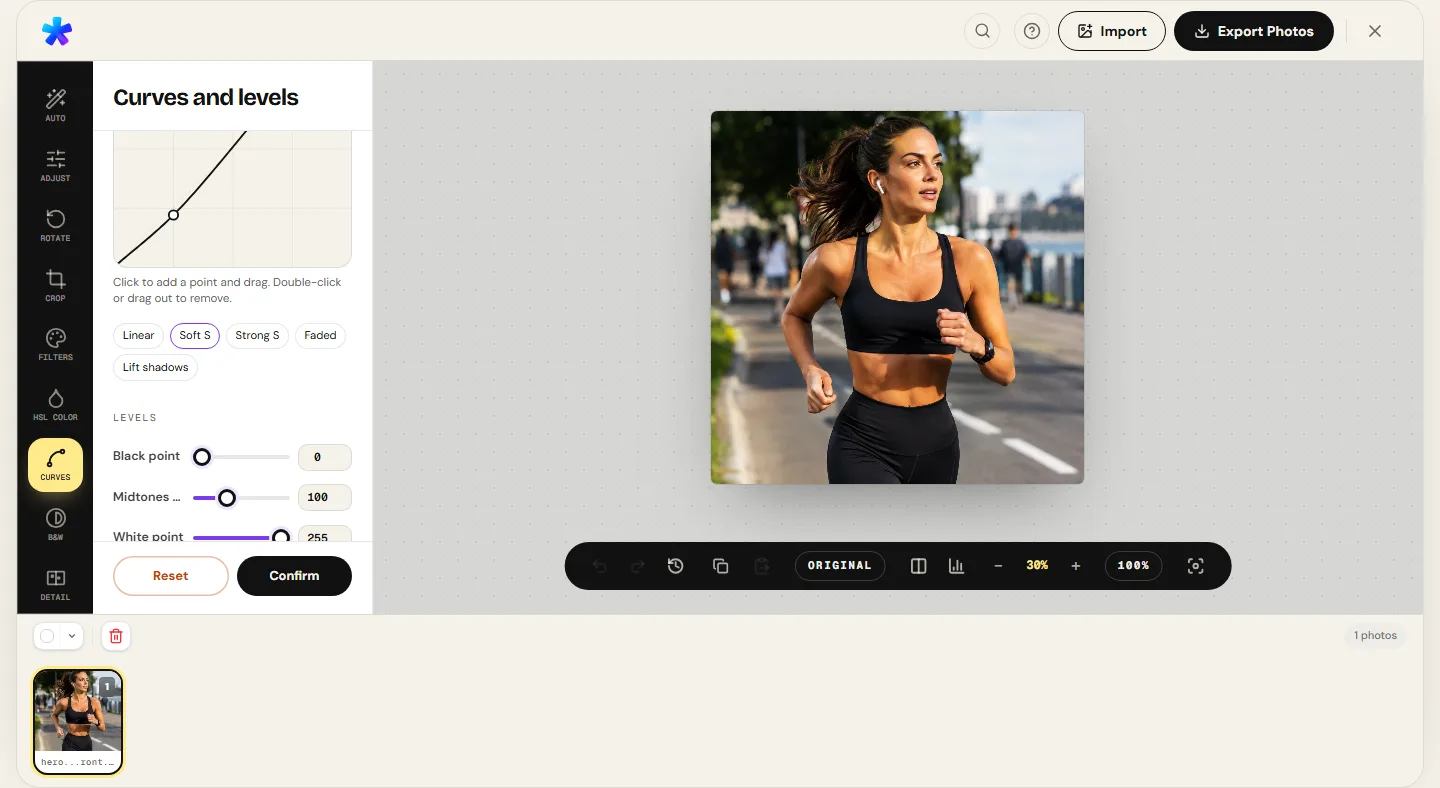
Curves and levels: how to control a photo's contrast
Photo

Curves and levels: how to control a photo's contrast

Learn to read the tone curve, use the S, Faded and Lift shadows presets, and set black point, gamma and white point in the browser.

Bruno Dissenha12 min
Analog film effect in photos: film physics, curves, and vintage aesthetics
Photo

Analog film effect in photos: film physics, curves, and vintage aesthetics

Master the science of 35mm chemical emulsions, sensitometric curves, stochastic grain, and how to build authentic film looks with LUTs and tone curves.

Bruno Dissenha11 min
Photo editor for photographers: quick retouching without Photoshop
Photo

Photo editor for photographers: quick retouching without Photoshop

Where a browser editor fits in a photographer's workflow: desktop equivalents, consistency across photos, EXIF and where the line is.

Bruno Dissenha12 min
How to use HSL to adjust photo colors online
Photo

How to use HSL to adjust photo colors online

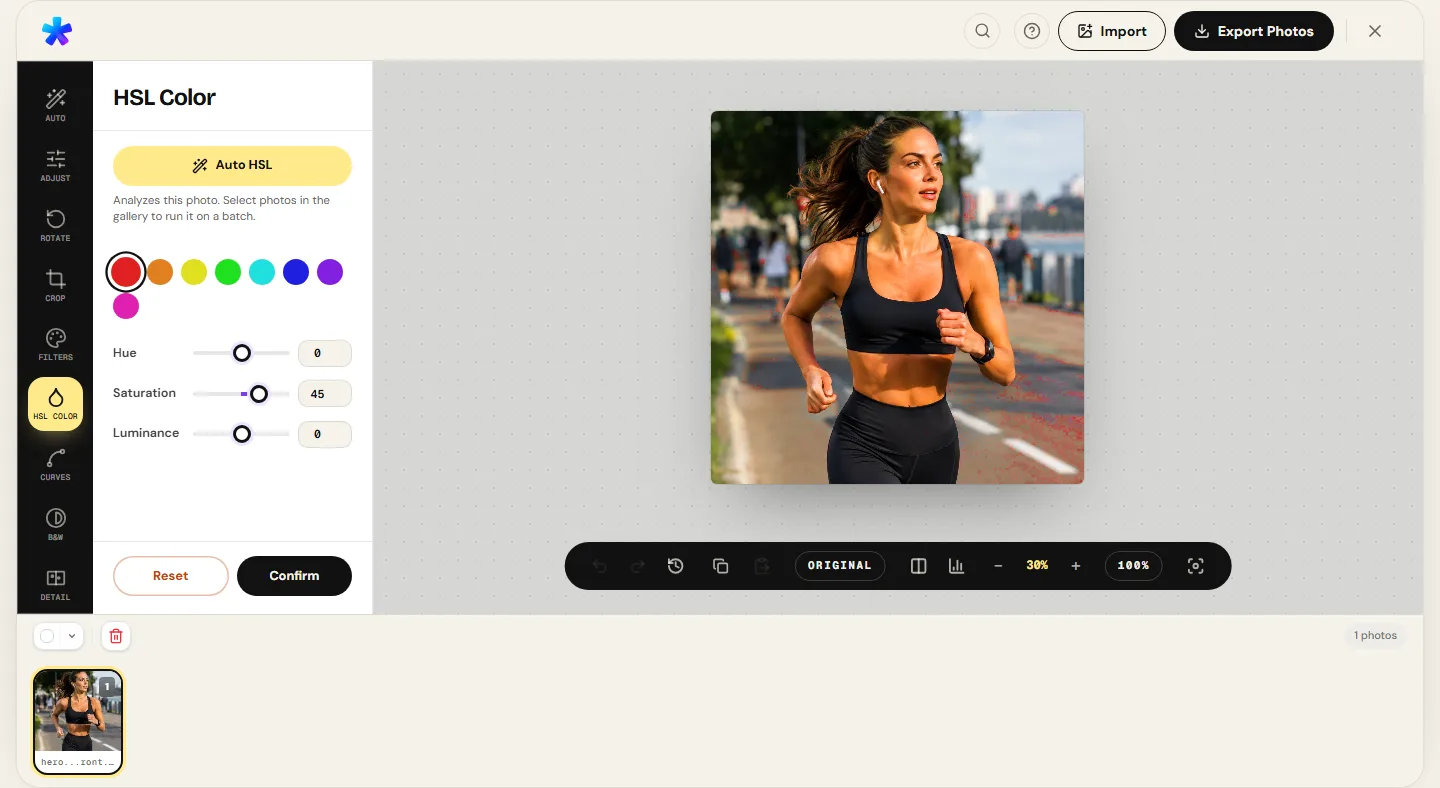
Understand hue, saturation and luminance, the eight color ranges, Auto HSL and recipes for sky, skin and foliage.

Bruno Dissenha12 min
How to adjust photo brightness and contrast online: light physics and histograms
Photo

How to adjust photo brightness and contrast online: light physics and histograms

Master the physics of exposure vs. brightness, Ansel Adams' Zone System, how to read 256-level histograms, and balance shadows and highlights.

Bruno Dissenha11 min
How to edit photos for Instagram and social media: ratios, compression, and sharpness
Photo

How to edit photos for Instagram and social media: ratios, compression, and sharpness

Master JPEG compression physics, the 4:5 and 9:16 aspect ratios, and how to prepare photos for feed, Stories, and Reels without losing sharpness.

Bruno Dissenha11 min
How to reduce noise in photos online: sensor physics, SNR, and guided filters
Photo

How to reduce noise in photos online: sensor physics, SNR, and guided filters

Master the physics of photon shot noise, chroma vs. luminance noise, Immerkær statistical estimation, and how to denoise photos with masked sharpness.

Bruno Dissenha11 min
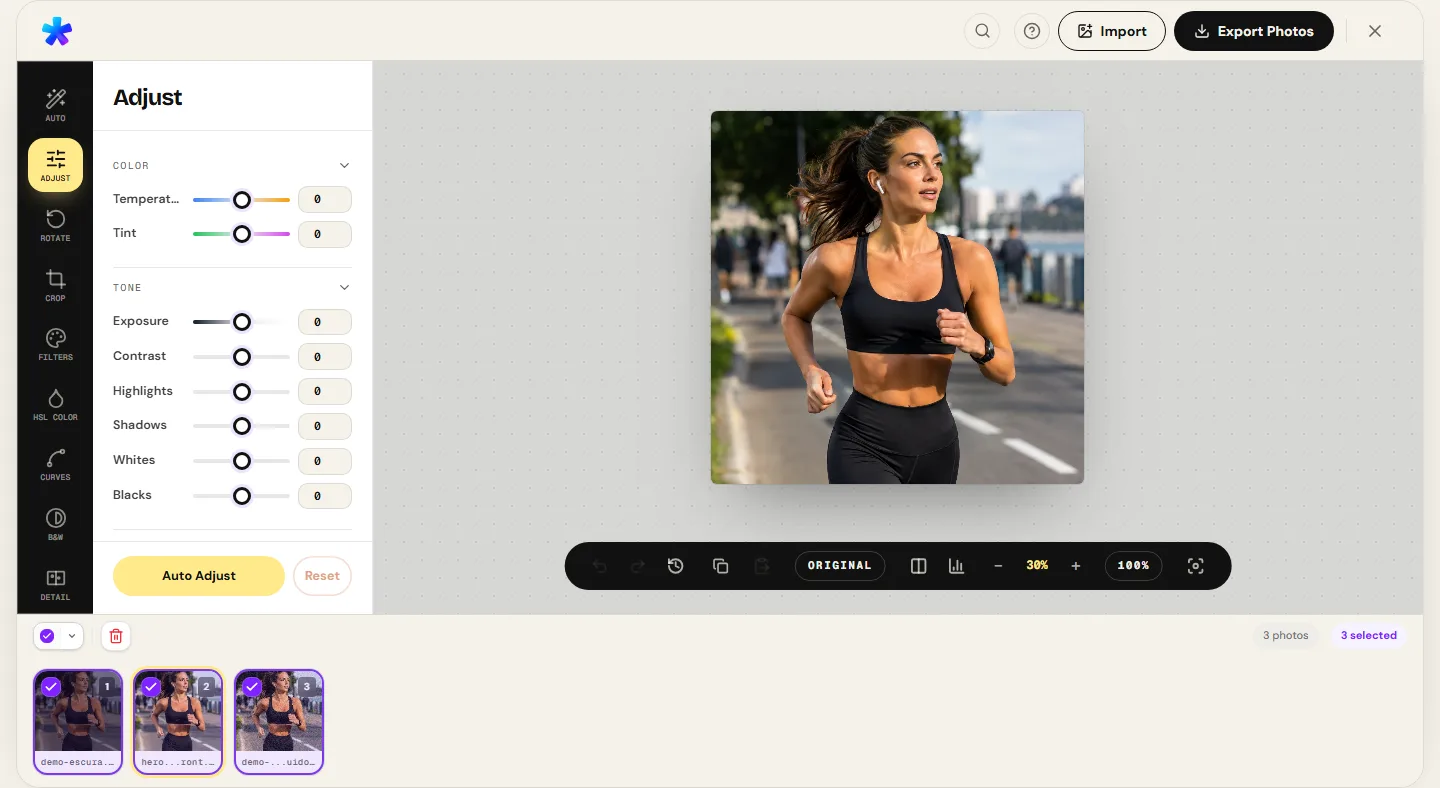
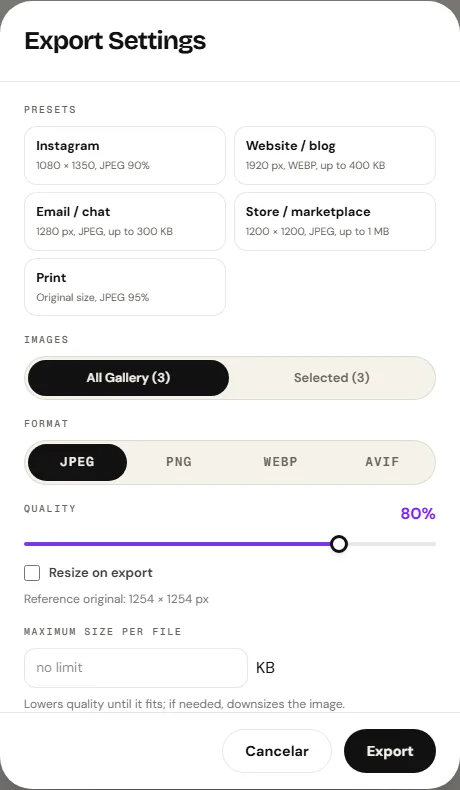
Batch photo editing online: workflow, limits, and ZIP export
Photo

Batch photo editing online: workflow, limits, and ZIP export

Apply the same settings or per-photo automatic recipes to many images and export a ZIP with presets, a KB limit and organized names.

Bruno Dissenha12 min
Free online photo editor: guide to features and limits
Photo

Free online photo editor: guide to features and limits

What the free editor does in the browser: eleven panels, input and output formats, where the photo is processed and what it does not do.

Bruno Dissenha12 min
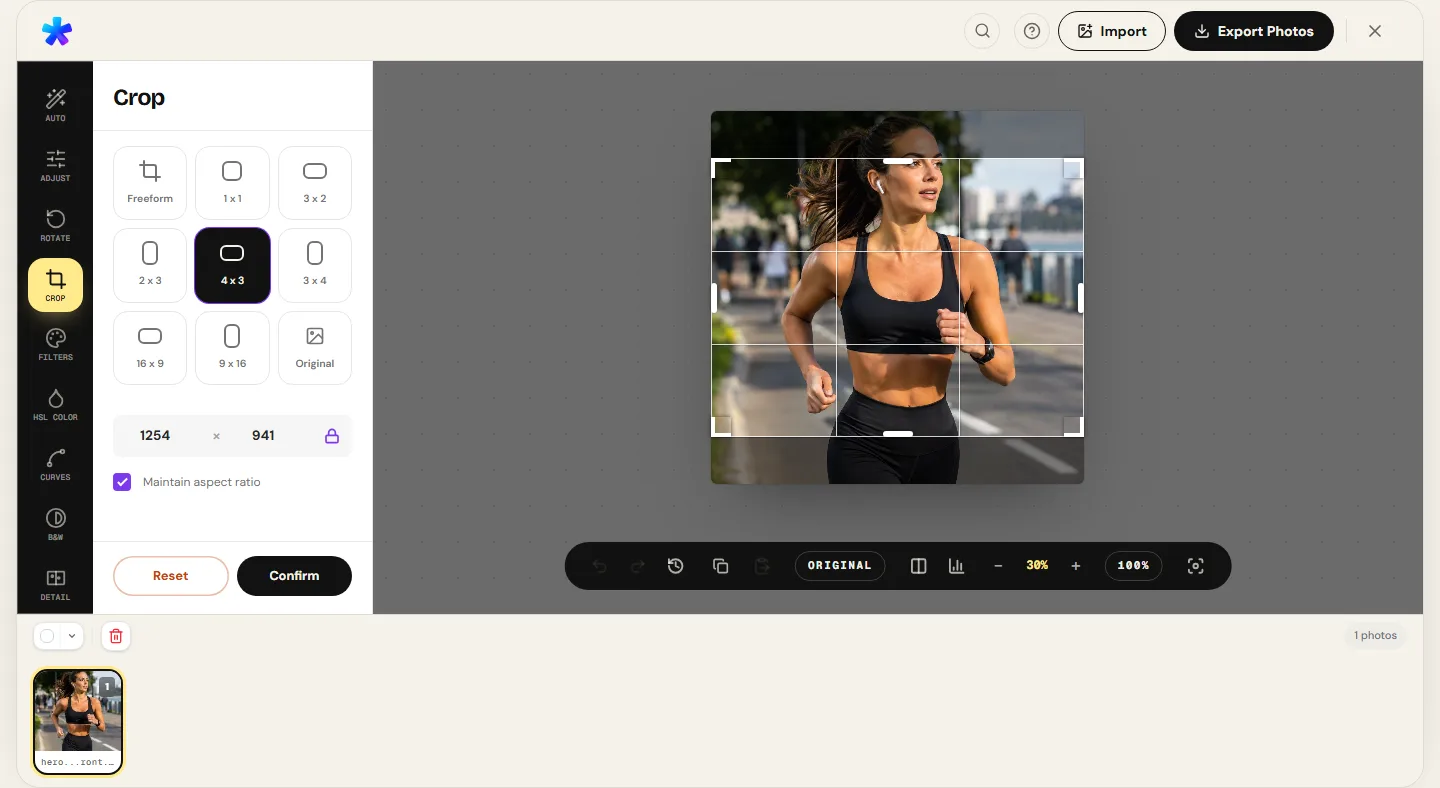
How to crop photos online: ratios, dimensions, and export
Photo

How to crop photos online: ratios, dimensions, and export

Decide the crop before dragging, pick the ratio for each destination, see how much you can crop without losing resolution and export with presets.

Bruno Dissenha11 min

Learn Everything About Online Photo Editing

Welcome to the PhotoEditor.sbs blog, your complete guide to mastering photo editing directly in your browser.

Our articles cover everything from basic operations like cropping and adjusting colors to advanced filter techniques, noise reduction and detailed photo processing.

All tutorials are written with a focus on practicality and real results.

How to choose where to begin

If you have a specific photo problem, jump straight to the task: too dark, tilted horizon, washed-out color, or speckled noise in shadow areas. Each guide opens with the symptom and points to the exact editor tool that solves it, so you can read only the steps you need.

If you want to understand underlying mechanics — why over-saturation degrades skin tones, why lifting shadows exposes sensor noise, or why JPEG re-encoding shifts pixels on every export — the longer technical guides explain the optical and mathematical principles before recommending adjustments. They take slightly longer to read but prevent repetitive trial and error.

The reproducible data pages referenced above address a third scenario: when you want to verify numbers rather than accepting marketing claims. Each report publishes the source image, the CLI command that reproduces the run, and the explicit boundaries of what the test does and does not prove.