( Free · in the browser · no sign-up )
Remove EXIF metadata in your browser.
Protect your privacy. Delete GPS location. Strip camera model. No server upload. Clean batch ZIP.
Strip GPS location coordinates, camera models, dates, and exposure settings from your photos before sharing on forums, social media, or classifieds.
You can also drag and drop one or multiple images in this area.•Accepted inputs: JPEG, PNG, WEBP, AVIF, HEIC, TIFF, GIF and BMP (HEIC and TIFF are converted on import). Export as JPEG, PNG and AVIF, and as WEBP when the browser supports that encoding.
Image editing runs in the browser. The site can still make technical requests and, subject to your consent, load measurement or advertising. Read the Privacy Policy.


- 01No installation
- 02In-browser editing
- 03Preview before export
- 04No sign-up
( How it works )
How to remove photo metadata in 3 steps
- ( 01 / 03 )
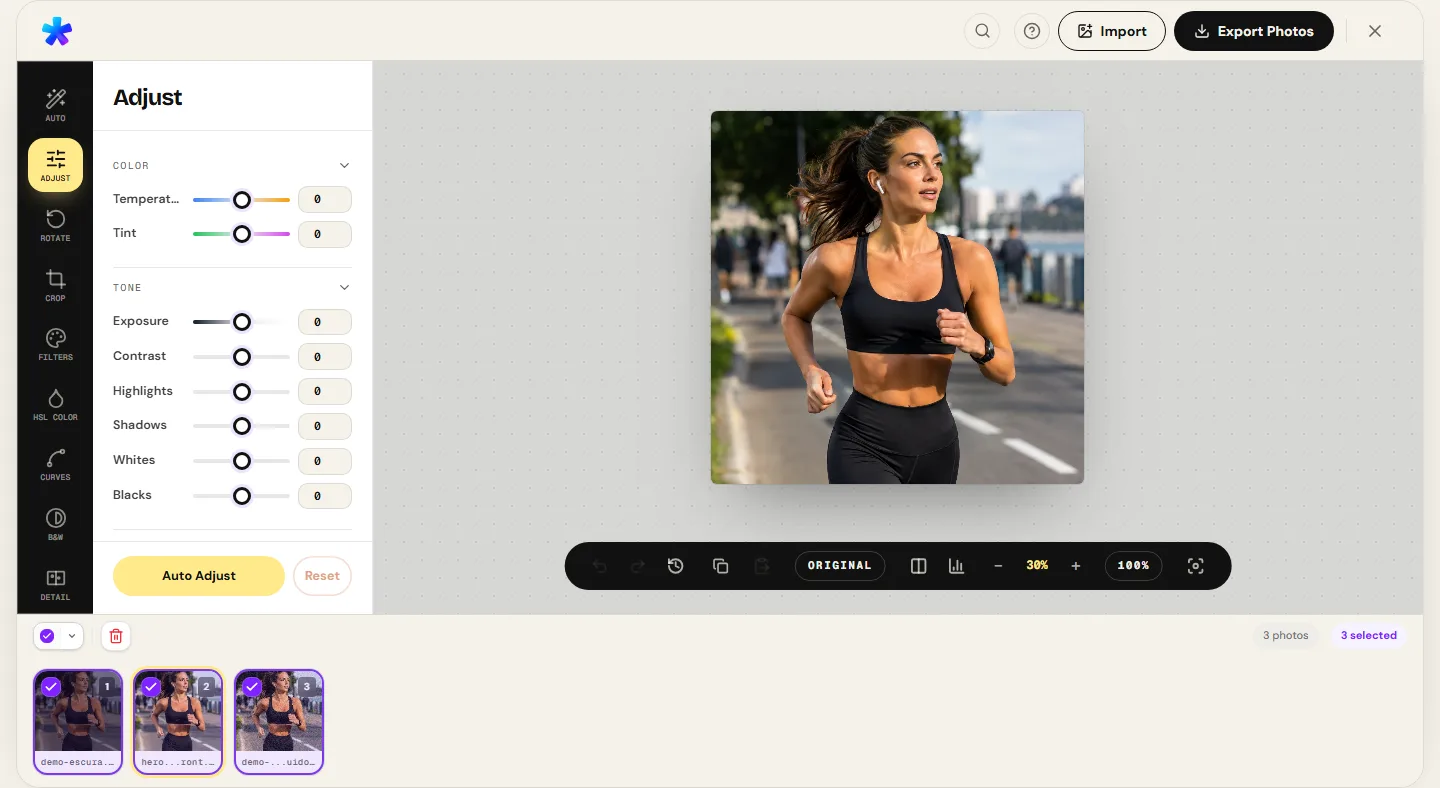
1. 1. Add your photos
Drag and drop one or several images into the editor. Files decode directly in browser memory without sending data to servers.
- ( 02 / 03 )
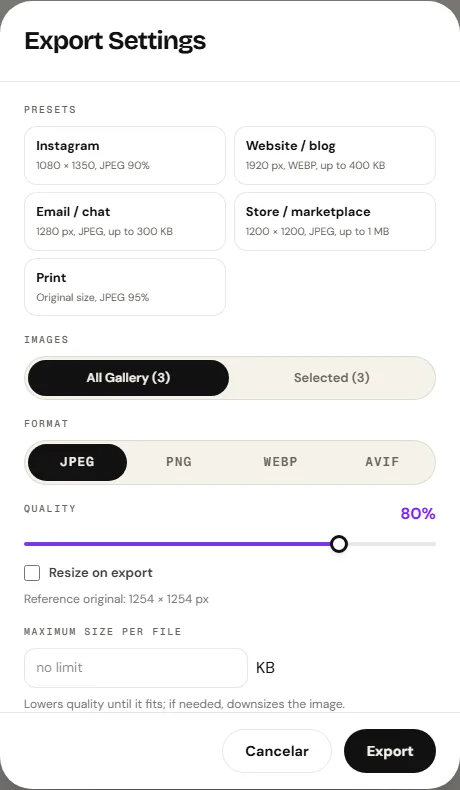
2. 2. Verify export privacy options
The export dialog automatically strips all EXIF metadata by default. For JPEG, you can optionally preserve camera settings while excluding GPS.
- ( 03 / 03 )
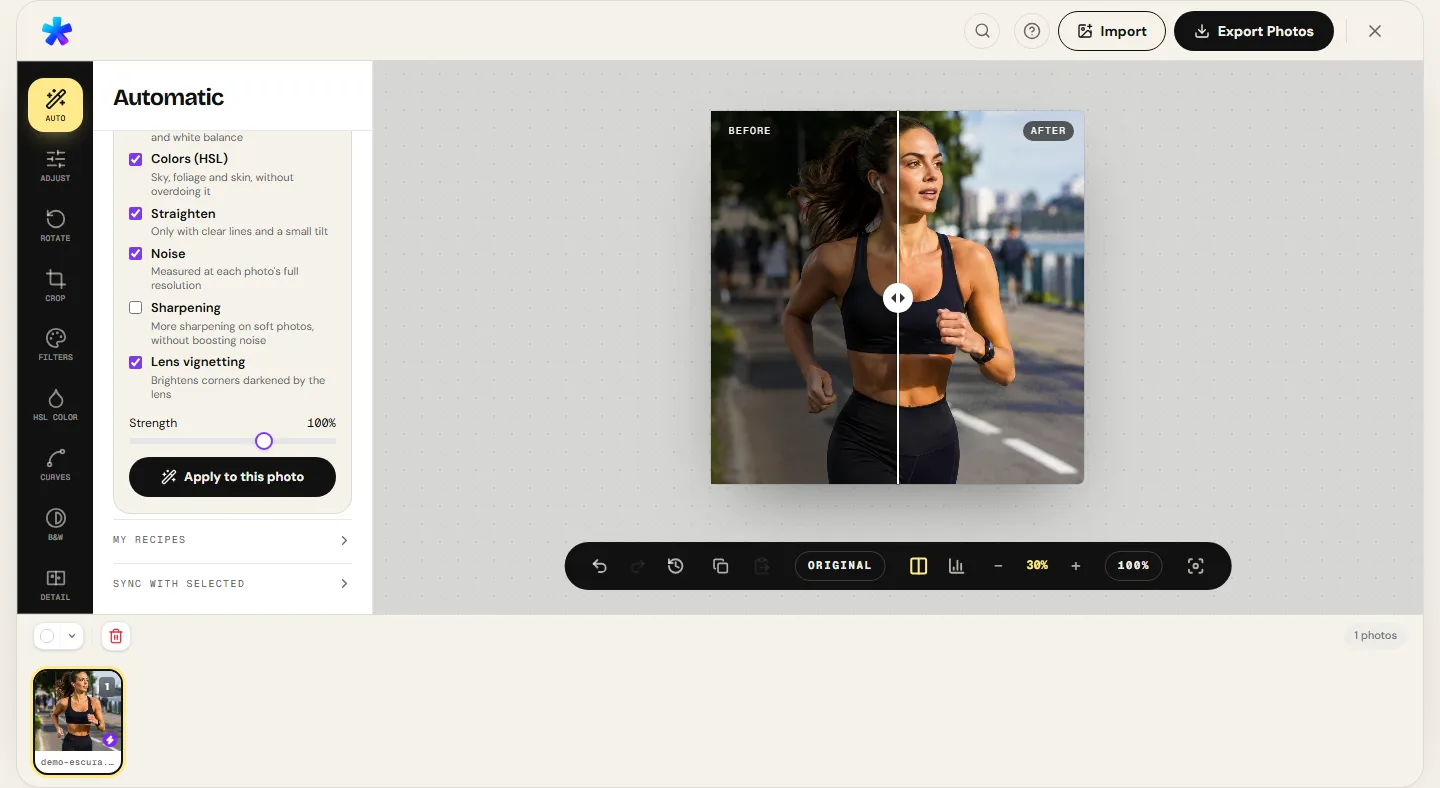
3. 3. Download the clean copy
Save your stripped image in JPEG, PNG, AVIF, or WEBP when the browser supports it, or download an entire batch in a consolidated ZIP file.
( The interface )
Current tool interface
( What it does )
Privacy features and metadata controls
- 01
Complete EXIF scrubbing by default
Re-encoding via HTML5 Canvas rasterization discards camera serial numbers, capture timestamps, lens data, and embedded thumbnails.
- 02
Accurate GPS coordinate elimination
Prevents inadvertent leakage of exact home, work, or school coordinates captured automatically by modern smartphones.
- 03
Batch processing for full collections
Scrub sensitive metadata from dozens of photographs simultaneously with convenient single-click ZIP export.
( What people use it for )
Essential scenarios for stripping image metadata
- ( 01 )
Classified listings and online marketplaces
Prevent buyers from tracing your private home address when selling vehicles, furniture, or high-value electronics.
- ( 02 )
Public forums and social media sharing
Share personal or family photography without exposing precise timestamps and location tracking data.
- ( 03 )
File size optimization for web deployment
Eliminate tens of kilobytes of unneeded embedded thumbnail data and metadata bloat from high-end camera files.
- ( 04 )
Journalistic submissions and sensitive whistleblowing
Safeguard source identity by stripping camera serial numbers and unique hardware identifiers.
( Questions? Answered )
Frequently asked questions
What is EXIF metadata?
EXIF (Exchangeable Image File Format) is an industry standard that embeds technical metadata into image containers: timestamp, camera model, shutter speed, aperture, ISO, and GPS coordinates.
Does stripping metadata alter visual image quality?
Metadata removal occurs during canvas re-encoding. By selecting high quality (such as 90% to 95% JPEG) or exporting in PNG, visual fidelity is maintained without sensitive tracking tags.
Why do smartphones record GPS coordinates in photos?
Mobile operating systems use GPS data to organize albums chronologically and geographically. However, sharing original files exposes exact coordinates to anyone who downloads them.
Do my photos get uploaded to a server to scrub EXIF?
Pixel processing runs in the browser. Normal site requests and consented services are documented in the Privacy Policy.
Which file formats can I choose for export?
The export dialog provides JPEG, PNG, and AVIF, and adds WEBP when the browser supports that encoding.
( In depth )
EXIF Metadata Architecture: Binary Headers, GPS IFD, and Privacy
Modern cameras and smartphones embed extensive technical telemetry and GPS coordinates within image file headers. Understanding EXIF structure demonstrates how Canvas rasterization reliably scrubs sensitive tracking tags before public sharing.
EXIF, XMP, and APP1 marker structure in JPEG headers
JPEG files organize their binary content through 2-byte marker codes starting with 0xFF. The 0xFFD8 marker indicates Start of Image (SOI). Immediately following, digital cameras and smartphones insert the APP1 application segment (marker 0xFFE1), containing EXIF (Exchangeable Image File Format) data and XMP (Extensible Metadata Platform) XML blocks.
Inside the EXIF segment sits the Image File Directory (IFD), an indexed table containing 16-bit numeric tags. These tags record comprehensive technical details: device manufacturer (tag 0x010F), camera model (tag 0x0110), exact sub-second timestamp (tags 0x0132 and 0x9003), and exposure values including shutter speed, f-number, and ISO sensitivity.
In addition to textual parameters, the APP1 segment frequently houses an embedded low-resolution thumbnail image generated by the camera firmware. This thumbnail can easily consume between 20 to 80 kilobytes of redundant overhead within every photo.
Geolocation vulnerabilities and GPS IFD data
The GPS IFD sub-directory embedded in EXIF data constitutes the most critical privacy vulnerability for everyday users. When mobile location services are active during shooting, smartphones automatically record precise spatial coordinates: latitude (tag 0x0002), longitude (tag 0x0004), altitude in meters (tag 0x0006), and compass heading (tag 0x0011).
With these numeric values, any recipient of the unscrubbed file can determine the exact geographic capture coordinates within meters using standard mapping software. This makes it trivial to pin private homes, workplaces, and children's schools from innocuous public uploads.
While some major social media platforms strip metadata during upload, sending images via email, messaging apps in 'document/full quality' mode, cloud drives, or classified boards routinely transmits the full original header unscrubbed.
How Canvas rasterization guarantees metadata removal
PhotoEditor accomplishes metadata scrubbing through the sandboxed architecture of HTML5 Canvas. When an image file is opened in the editor, the browser decodes the compressed byte stream and renders pure visual pixels directly into graphics memory.
During this decoding process, all ancillary application markers (APP0 through APP15), EXIF segments, embedded thumbnails, and XMP payloads are discarded by the browser rendering engine, leaving solely the uncompressed RGBA pixel array.
Upon exporting a new copy via toBlob(), the encoder constructs a fresh file container from scratch, embedding only standard quantization tables (DQT), Huffman tables (DHT), and Start of Frame (SOF) markers. The resulting file is completely clean of any tracking tags or forensic device identifiers.
( Keep going )
Continue with the right workflow
- ( 01 )Compress photoReduce KB file size for efficient email and form uploads.Read
- ( 02 )Resize photoAdjust pixel dimensions and maintain proper aspect ratios.Read
- ( 03 )Batch editorApply edits and metadata scrubbing across multiple photos with ZIP export.Read
- ( 04 )Local processingExplore technical diagrams illustrating in-browser client security and isolation.Read
( Ready when you are )
Ready to protect your photo privacy?
Open your images, verify your export settings, and download clean, metadata-free copies.