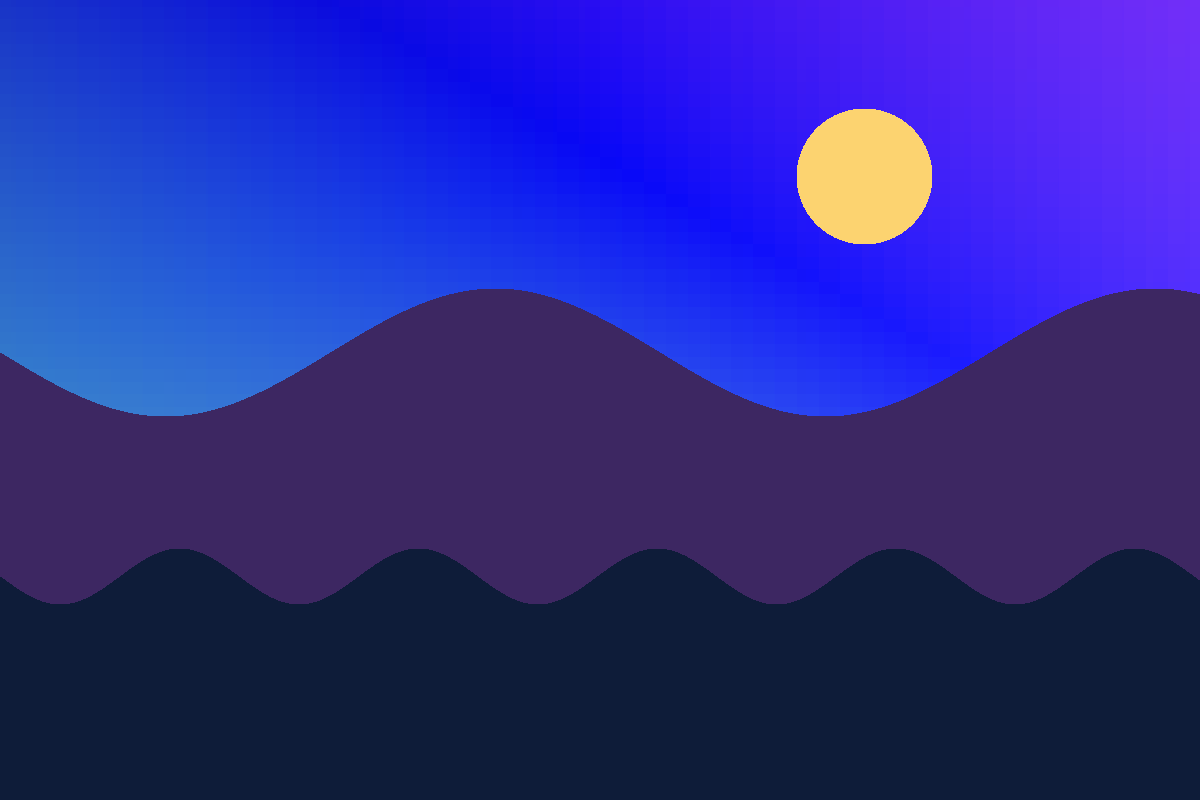
Unadjusted source
1200 × 800 px · PNG
Project-created synthetic fixture used without global corrections, cropping, or resizing.
Download source( Reproducible first-party experiment )
The same image was opened three times in the editor. Each export changed one HSL range while every global adjustment remained at zero.
The project-owned source is 1200×800 px. Percentages show how many pixels changed in at least one RGB channel; they are not quality percentages.
Project-created synthetic fixture used without global corrections, cropping, or resizing.
Download source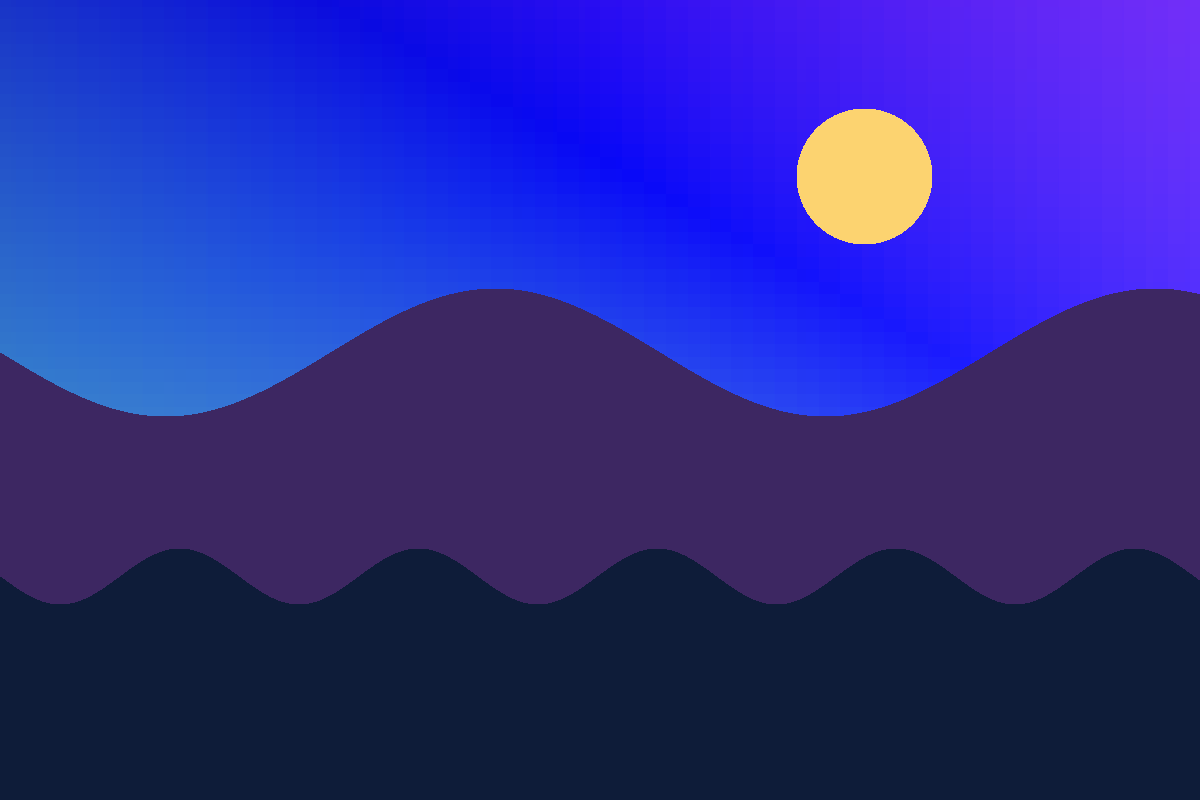
Higher saturation and lower luminance intensified much of the cool gradient and also affected nearby colors.

The hue shift and saturation changed both the violet sky and mountains, showing that different areas in one range respond together.

The change remained mostly around the sun. Few pixels in this image belong to the yellow range.
Shifts the color of pixels reached by the range; it does not select an object.
Increases or reduces color intensity within that range.
Lightens or darkens pixels influenced by the range.
Conceptual reference: CSS Color Module Level 4, HSL section (W3C). The numerical results on this page come from the first-party experiment, not the specification.
npm run dev -- --port 3218
npm run guide:hslThe HSL color model translates Cartesian RGB coordinates (Red, Green, Blue) into a cylindrical geometry defined by Hue, Saturation, and Lightness. Hue represents the color angle on a 360-degree color circle (0° Red, 60° Yellow, 120° Green, 180° Cyan, 240° Blue, 300° Magenta). Saturation represents radial purity from 0% (grayscale neutral) to 100% (fully saturated pigment). Lightness represents vertical brightness from 0% (solid black) to 100% (pure white), with balanced tones at 50%.
In PhotoEditor.sbs, selective color editing provides dedicated controls across eight discrete color ranges: Red, Orange, Yellow, Green, Aqua, Blue, Purple, and Magenta. Rather than executing hard threshold cuts that cause harsh pixel banding or posterization, the editor applies a smooth bell-shaped transition curve (falloff) centered on each color band. Pixels near the range edge receive proportionally gentler adjustments, ensuring smooth gradients across sky horizons and fabric folds.
A key operational advantage of selective HSL editing is separating skin tones from environmental scenery. Human skin tones across diverse complexions cluster primarily within the orange and warm yellow hue sector (roughly 15° to 45°). By targeting only the blue range (200° to 260°) or green foliage range (90° to 150°), photographers can deepen azure skies or enrich vegetation without creating unnatural orange casts or color shifts on portrait subjects.
Discover our full suite of tone curves, selective B&W, and lighting calibration tools.